First Light System Requirements: Can Your PC Run It?
Check First Light system requirements for Windows, including CPU, RAM, graphics, and storage, plus supported platforms and settings for lower-end PCs.
Jump to
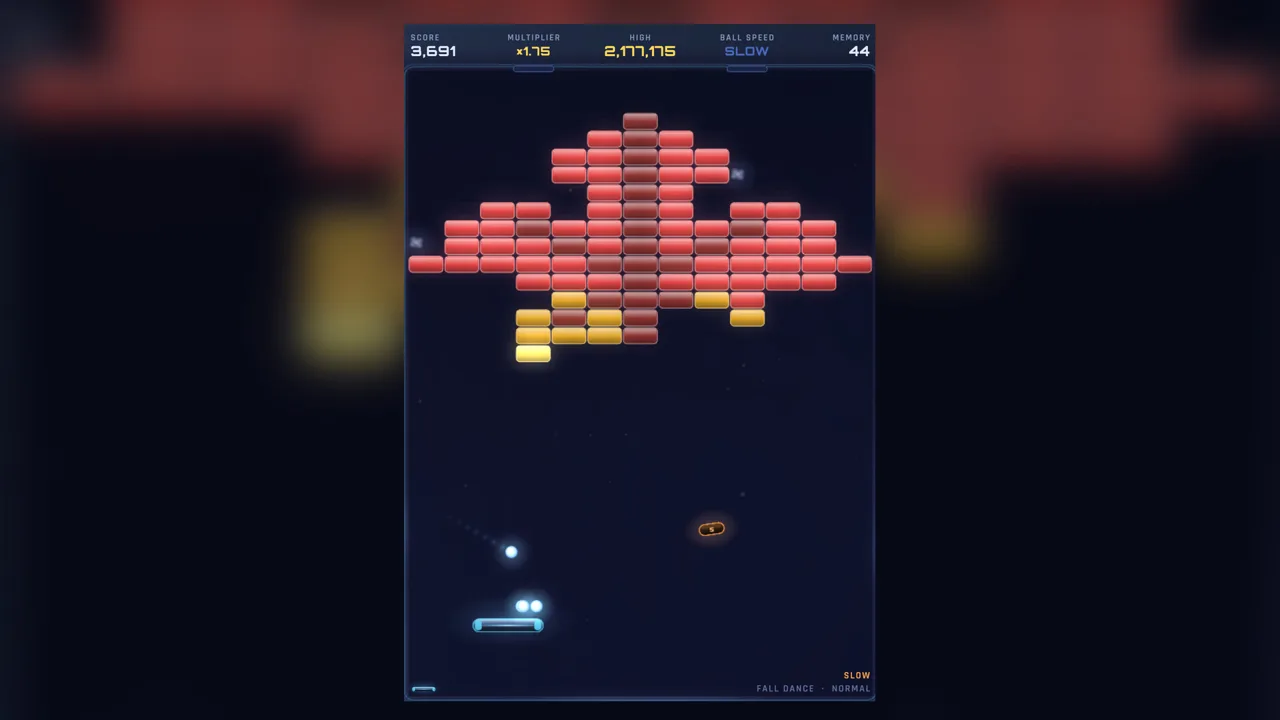
What Does Your PC Need to Run First Light?
First Light system requirements call for 8 GB of RAM, a quad-core processor at 2.4 GHz or faster, and 800 MB of available storage. The Windows version also needs a 64-bit processor and operating system. Check your graphics hardware alongside those basics—the minimum includes AMD RDNA 2 or Intel Iris Xe graphics with WebGL 2 support.
| Component | Windows minimum |
|---|---|
| Operating system | Windows 10 |
| Architecture | 64-bit processor and operating system |
| Processor | Quad-core, 2.4 GHz or faster |
| Memory | 8 GB RAM |
| Graphics | AMD RDNA 2 or Intel Iris Xe; WebGL 2 |
| Storage | 800 MB available space |
| Sound card | Any |
When comparing your PC, check both the processor’s core count and clock speed. For graphics, compare the GPU model rather than stopping at whether your computer has integrated graphics: Intel Iris Xe is specifically included in the minimum.
The storage requirement is small, but that does not remove the separate CPU, memory, and graphics requirements.
Graphics Settings for Lower-End PCs
First Light runs at your display’s resolution. On lower-end hardware, use BALANCED or PERFORMANCE through this menu path:
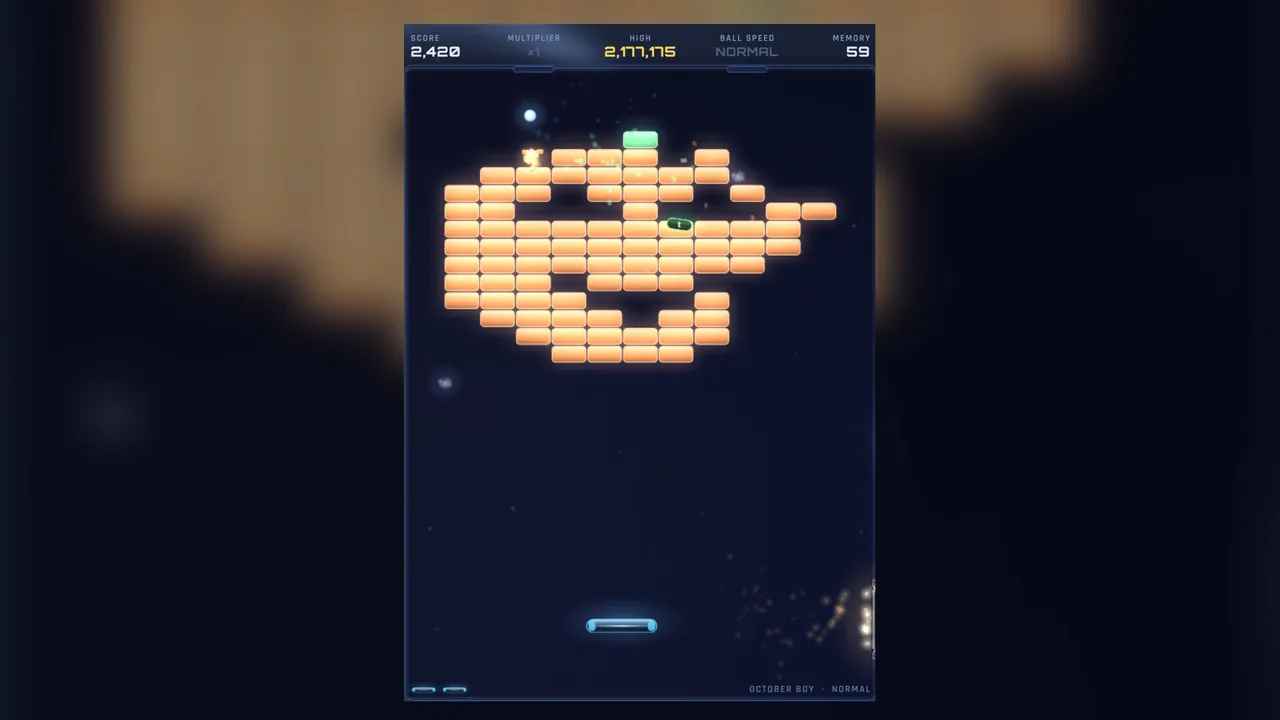 Image: Steam / Ephphatha Games
- Open Options.
- Select Screen.
- Set Graphics to BALANCED or PERFORMANCE.
Use those graphics choices when adjusting the game for your machine. Difficulty is a separate decision: the four difficulty levels change the gameplay challenge, with INSANE featuring twice the speed and a single life. Choose difficulty for the challenge you want, and use the Graphics setting for lower-end hardware.
There is plenty of arcade play behind the compact storage requirement: the campaign contains 132 levels across four acts, with a story running approximately 6–8 hours.
Windows, Mac, and Trying the Demo
First Light supports Windows and macOS. The hardware table above applies to Windows; use it when comparing a Windows desktop or laptop.
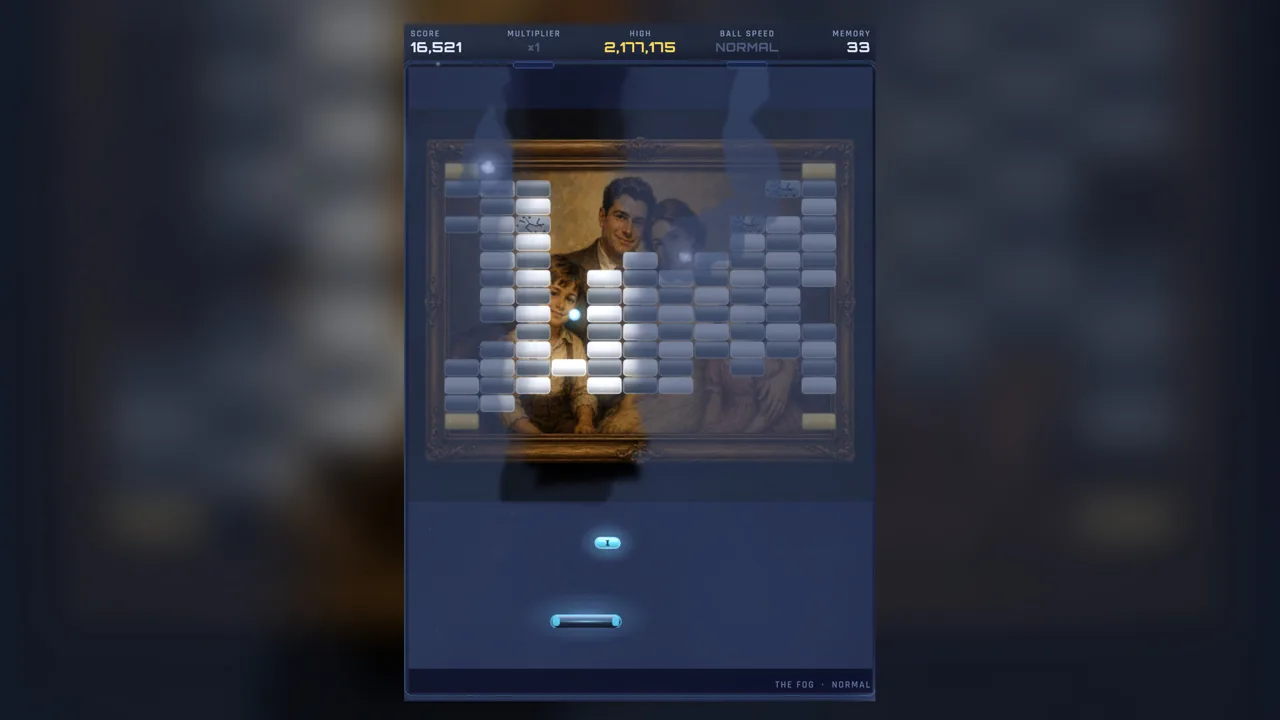 Image: Steam / Ephphatha Games
Before buying, try the First Light demo on Steam. Use the demo to assess how the paddle-and-ball action feels on your own setup, particularly if you are deciding whether to play on a lower-end laptop.
For input, the game includes a mouse-only option and partial controller support. It also supports custom volume controls and subtitle options, useful for balancing the arcade action with the five narrators telling the family’s story.
Continue with
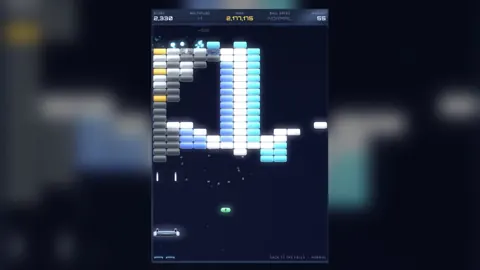 First Light Support Guide: Settings and PC RequirementsUse this First Light support guide to check requirements, improve performance, explore accessibility options, and understand difficulty and save features.
Continue exploring
First Light Release Date: Steam Launch and Platforms
The First Light release date was November 10, 2026. Explore its Windows and Mac launch, Steam demo, story length, and system requirements before you play.
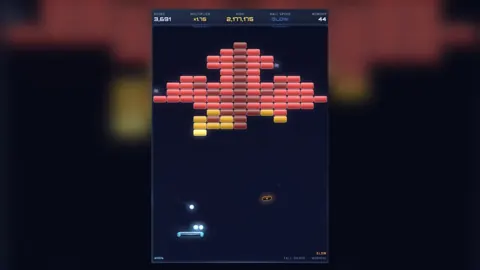
First Light Steam: Release, Demo, and PC Requirements
Find First Light Steam release details, Windows and Mac support, demo access, system requirements, and Steam Deck status before choosing where to play.
Join the community
Official channels for news, updates and player help: