First Light Support Guide: Settings and PC Requirements
Use this First Light support guide to check requirements, improve performance, explore accessibility options, and understand difficulty and save features.
Jump to
Start With Graphics, Controls, and Difficulty
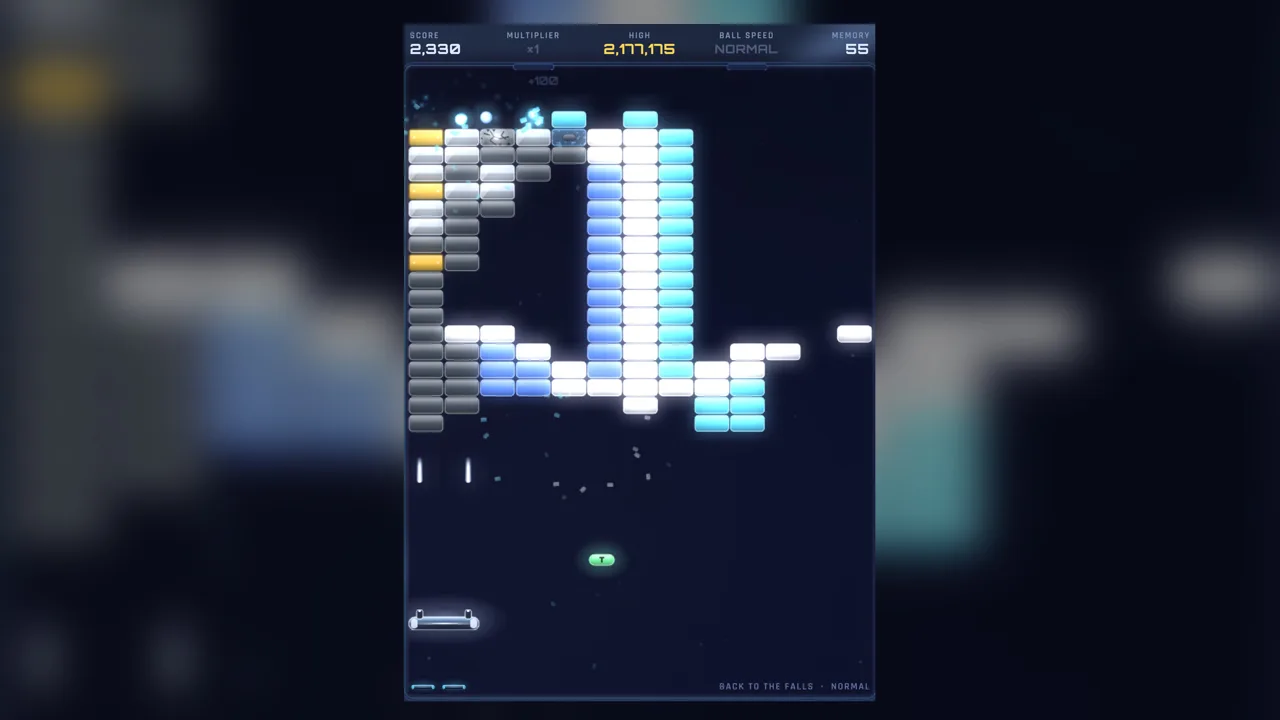
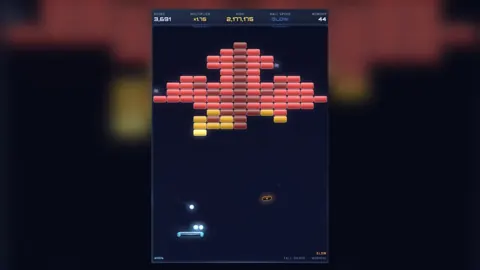
Struggling to follow the ball can get between you and the memories you’re trying to save. This First Light support guide covers the settings, system requirements, and accessibility features that help you settle into its story-rich brick-breaking. On lower-end hardware, start by setting Options → Screen → Graphics to BALANCED or PERFORMANCE.
First Light runs at your display’s resolution, making its graphics preset a useful starting point when performance gets in the way. Try those presets before beginning a demanding run, especially if you’re considering INSANE difficulty, which doubles the speed and gives you one life.
For downloads and access to the game’s Steam hub, open the First Light Steam page. A demo is also available there.
Windows Requirements and Supported Platforms
First Light supports Windows and macOS. Its Windows minimum requirements are:
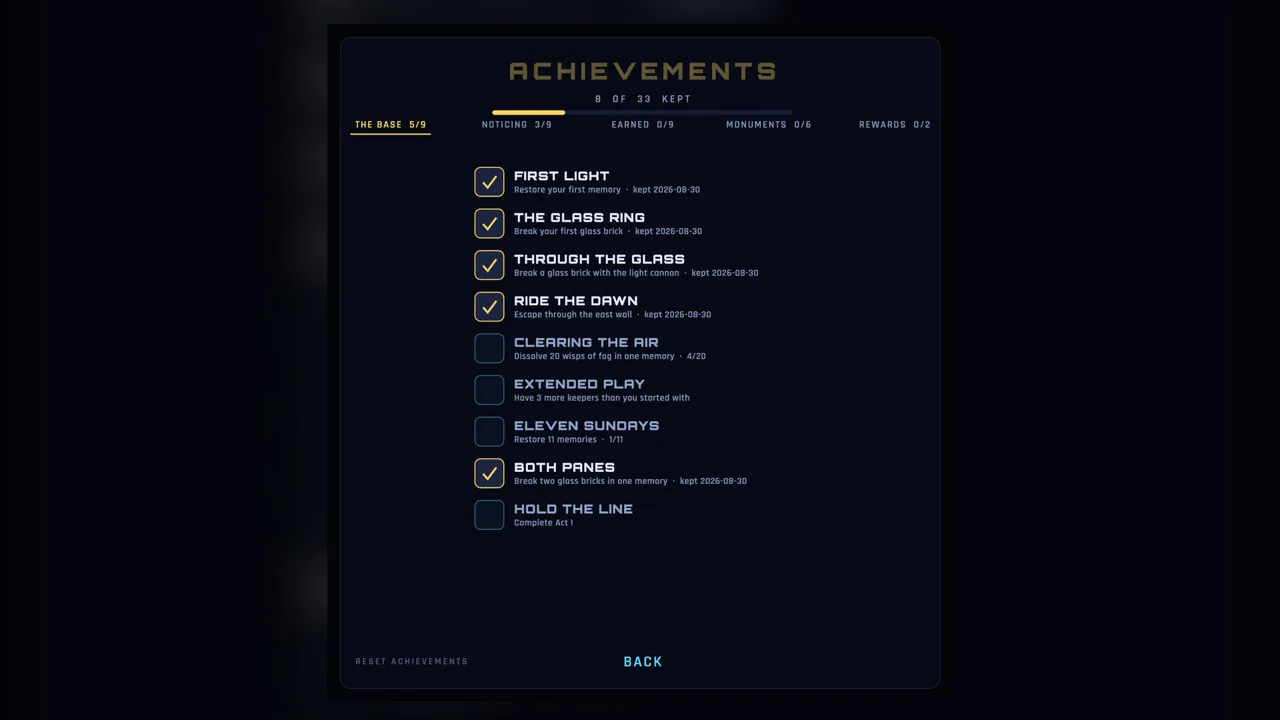 Image: Steam / Ephphatha Games
| Component | Minimum requirement |
|---|---|
| Operating system | Windows 10, 64-bit |
| Processor | Quad-core, 2.4 GHz or faster |
| Memory | 8 GB RAM |
| Graphics | AMD RDNA 2 or Intel Iris Xe; WebGL 2 |
| Storage | 800 MB available space |
Check the graphics requirement alongside your processor and RAM when comparing your PC. On lower-end machines, use the BALANCED or PERFORMANCE graphics preset through Options → Screen → Graphics.
These specifications apply to Windows. Choose the appropriate platform when downloading the game.
Controls, Subtitles, and Accessibility
The game combines paddle-and-ball action with spoken family memories, so both visual clarity and dialogue accessibility matter. Its accessibility features include:
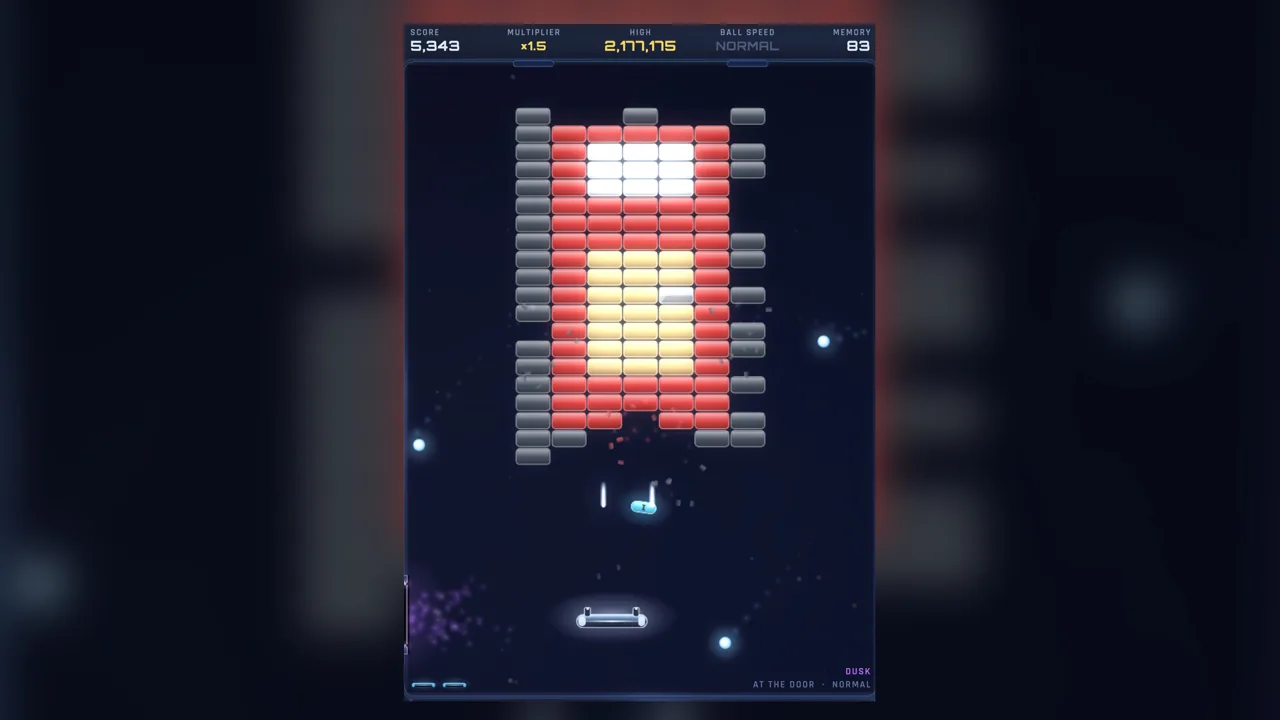 Image: Steam / Ephphatha Games
- Mouse Only Option for playing with a mouse.
- Subtitle Options for following the narration.
- Custom Volume Controls for adjusting audio.
- Camera Comfort, Color Alternatives, and contrast controls for visual accessibility.
- Playable without Timed Input and Save Anytime features.
English is supported with full audio. Five narrators carry the family’s story across four generations, with a spoken memory before every level. Explore the subtitle and volume controls if following that narration is your priority.
Controller support is partial. Keep that distinction in mind when choosing between a controller and the mouse-only option; partial support does not promise that every interaction works through a controller.
Difficulty and Save Features
First Light has four difficulty settings. Easy is designed to let the story flow, while INSANE raises the speed and limits you to one life.
 Image: Steam / Ephphatha Games
Choose your campaign difficulty carefully: the choice stays with that campaign through the end. Pick Easy when you want to concentrate on the family’s memories, and reserve INSANE for a run where you want its specific challenge.
The game supports three save campaigns, Save Anytime, and Steam Cloud. Keep the three-campaign limit in mind when planning separate playthroughs.
The story spans 132 levels across four acts, with an estimated 6–8 hours of story play. Use the save-anytime feature to break that journey into shorter sessions.
Afterglow for Play Without Score Pressure
For endless brick-breaking without the story or scoring pressure, look to Afterglow. It pairs the bricks with music and glow, leaving out the narrative, score, and stakes.
Choose it when you want a quieter session focused on the paddle and ball. The game’s 64-track original soundtrack gives its music a substantial role, while the campaign remains the place to follow the family’s century of memories.
Continue with
 First Light System Requirements: Can Your PC Run It?Check First Light system requirements for Windows, including CPU, RAM, graphics, and storage, plus supported platforms and settings for lower-end PCs.
Continue exploring
Join the community
Official channels for news, updates and player help: